go-pomodoro
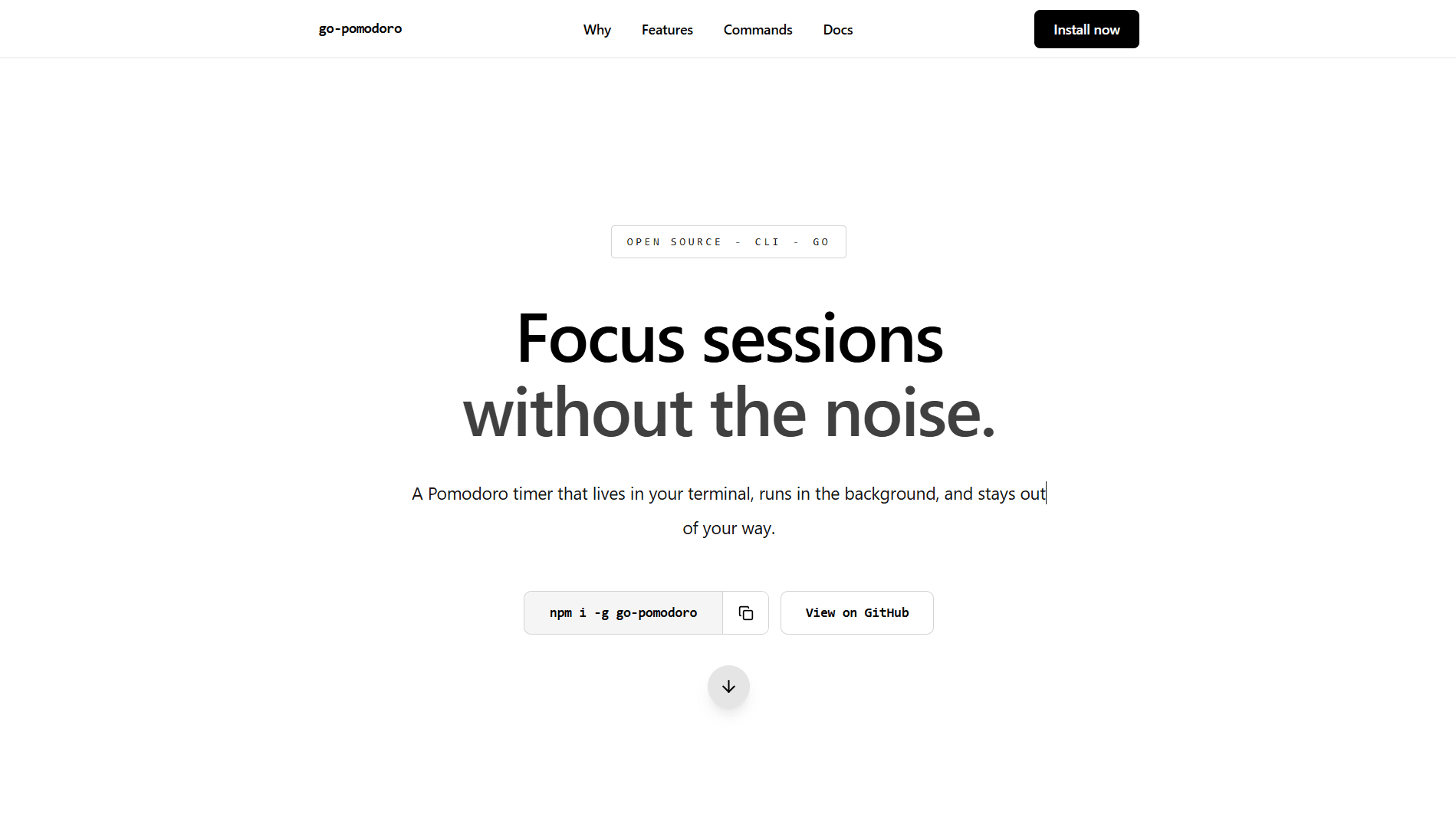
A simple and lightweight Pomodoro timer CLI built with Go to help developers stay focused directly from the terminal. Designed to be minimal, fast, and distraction-free.
Problem solved
A simple and lightweight Pomodoro timer CLI built with Go to help developers stay focused directly from the terminal. Designed to be minimal, fast, and distraction-free.
What it does
- 01
Start a focus session from the terminal with a default 25-minute timer.
- 02
Set a custom session length using -m or --minutes.
- 03
Run the timer in the background so the terminal stays free.
- 04
Check live status, including phase, time remaining, cycle count, breaks left, progress bar, and percentage.
- 05
Use watch mode with pomodoro status -w for continuously updating session progress.
- 06
Pause, resume, or stop a running focus session whenever needed.
- 07
Use deep work mode with pomodoro deep or pomodoro start -d.
- 08
Choose deep work presets for 45, 60, and 120 minute sessions.
- 09
Automatically calculate break length and cycle count based on focus duration.
- 10
Store session history locally in SQLite with date, time, duration, session type, and focus score.
- 11
Get break tips and productivity coaching from recent history, with optional GROQ_API_KEY AI support and fallback tips.
- 12
Includes desktop notifications, activity monitor, version command, self-update, npm and Go install support, plus Windows, Linux, and macOS binary releases.
Tech stack
 Go
GoChallenges & learnings
Challenges
- 01
Designing a clean CLI UX with minimal commands
- 02
Handling precise time tracking and interrupts
- 03
Keeping the binary lightweight and fast
Learnings
- 01
Building production-ready CLI tools in Go
- 02
Command parsing and argument validation
- 03
Writing developer-focused tools with usability in mind
Outcome
Currently shipping with a public project page, production deployment, and documented source where available. The build captures the core workflow, tech stack, and product decisions behind the project.